
Top 3 Products & Services
| 1. 2. 3. |
Dated: Dec. 04, 2005
Related Categories
Microsoft OutlookDescription:
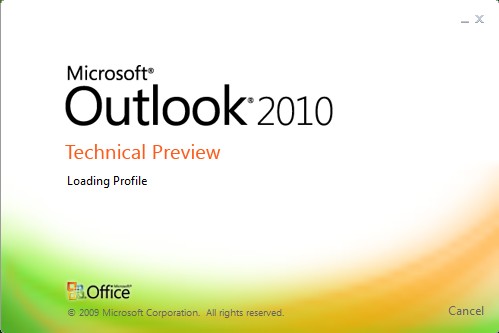
Sick of seeing the Outlook Express splash screen every time you open the program? This settings will allow you to remove it.
Steps:
1. Open your registry by clicking on Start > Run > Type: "regedit" and find or create the key below.
2. Create a new DWORD Value called 'NoSplash' in the key: [HKEY_CURRENT_USER\Identities\{Unique Identity}\Software\Microsoft\ Outlook Express\5.0].
3. Change the value to equal '1' to disable the splash screen.
User Key: [HKEY_CURRENT_USER\Identities\{Unique Identity}\Software\Microsoft\Outlook Express\5.0]Value Name: NoSplashData Type: REG_DWORD (DWORD Value)Value Data: 1 = no splash screen, 0 = splash screen |
4. Exit your registry, you may or may not need to restart or log out of Windows for the change to take effect.
Note: For Outlook 4.0 and below the key is [HKEY_CURRENT_USER\Software\Microsoft\Outlook Express]
Now that you've gotten free know-how on this topic, try to grow your skills even faster with online video training. Then finally, put these skills to the test and make a name for yourself by offering these skills to others by becoming a freelancer. There are literally 2000+ new projects that are posted every single freakin' day, no lie!
 Previous Article |  Next Article |